
Delete your account & data
How to request deletion
-
Delete account from the app
Open the menu in Kuddos, choose Delete account, and confirm when prompted.
This removes your account and associated profile data tied to Kuddos, subject to the retention notes below.
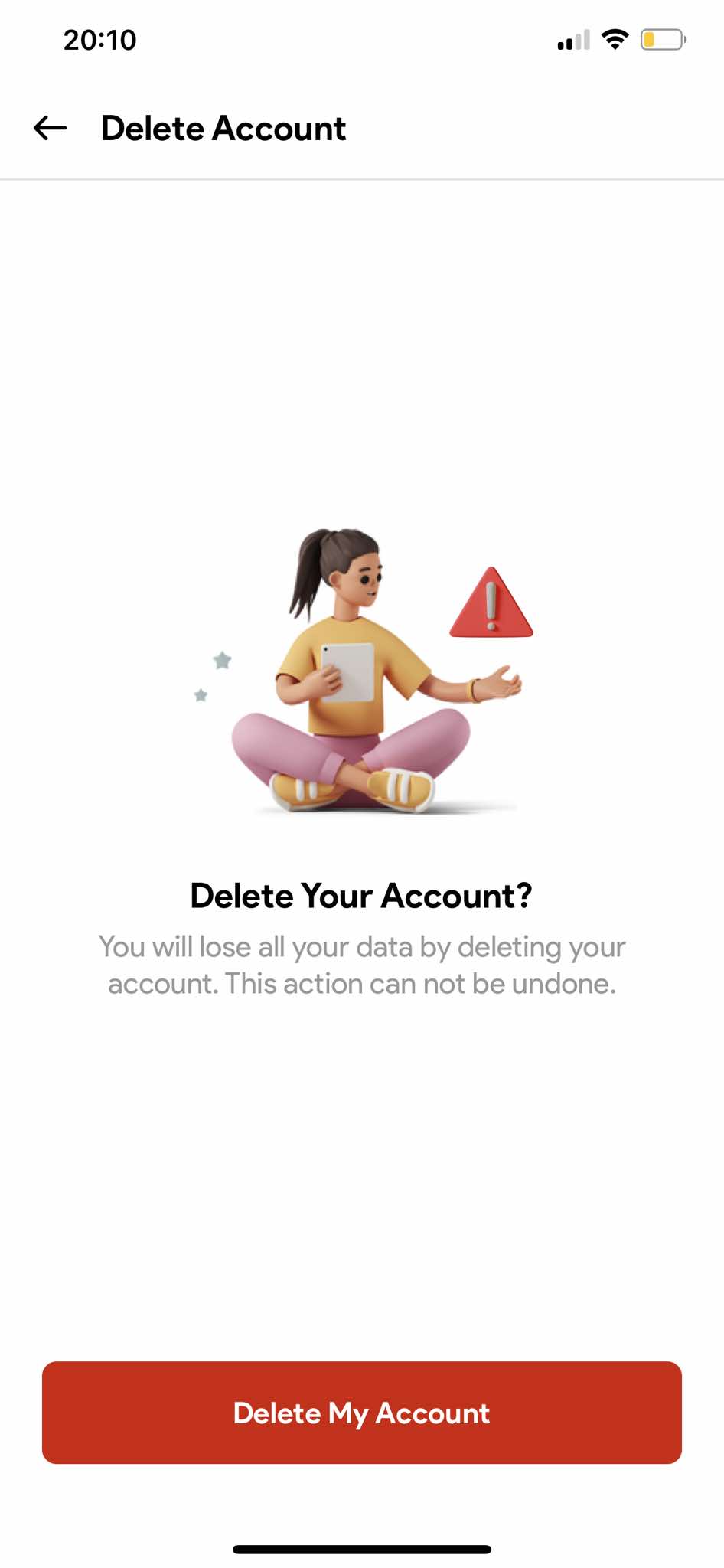
Your app menus may vary slightly by version.
- Request by email If you can't use the app, tap below — include your username and date of birth in your message so we can verify you.
What we delete vs. what we keep
When deletion is confirmed, we remove data that identifies you within the active Kuddos service, typically including:
- Your account credentials and profile information
- Content and activity that is tied to your account inside the product
Some categories may be retained for a limited additional period:
- Backup copies held on servers until they roll off routine backup cycles
- Information we are required or permitted to keep for legal, security, audit, fraud-prevention, or similar purposes
- Anonymised or aggregated data that no longer identifies you
Exact categories and timelines are governed by applicable law and our full Privacy Policy.